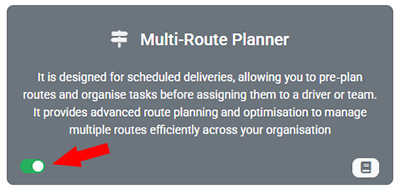
This month, we are excited to introduce the new Multi-Route Planner Module, designed to enhance route planning capabilities and support businesses managing high volumes of scheduled deliveries.
This new module provides a more structured and scalable approach to task assignment and route management. Instead of assigning tasks individually to drivers, dispatchers can now organise tasks into multiple routes and assign those routes to drivers. This enables better planning, improved efficiency, and greater visibility across all operations.
Classic Single Route Mode
The classic Single Route mode is a simple and easy-to-use option, ideal for most on-demand delivery or field service businesses. In this mode, dispatchers can assign individual tasks directly to drivers. Tasks are assigned to drivers manually or through the route optimization process. Drivers will see all their assigned tasks in the driver app and can complete them accordingly. This mode is best suited for operations such as food delivery, same-day pickup and delivery, or businesses managing a smaller volume of jobs.
Multi-Route Planner Mode (New)
In this mode, dispatchers first create multiple routes and assign tasks to those routes. Instead of assigning individual tasks, dispatchers assign entire routes to drivers. Tasks are added to a route manually or via route optimization process, and the routes are then assigned to drivers. Drivers may have multiple routes assigned at the same time and must select a route from their list before starting work. The new Multi-Route Planner mode is designed for scheduled deliveries or businesses handling a large number of jobs.
How Does It Work?
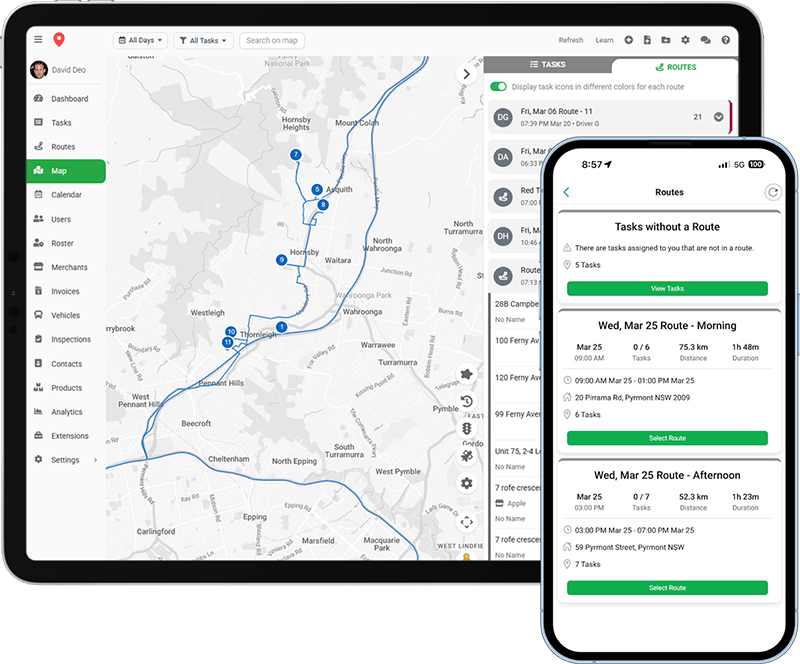
The new module supports both manual route creation and automatic route generation using the route optimization tool. Dispatchers can either build custom routes step by step or let the system automatically generate optimised routes and assign them to drivers.
It introduces a dedicated Routes page, where dispatchers can view and manage all active and completed routes in a centralised table view. Users can easily search, filter, edit, and export routes, as well as manage tasks within each route.
A new Routes panel on the Map page allows dispatchers to visualise and manage multiple routes simultaneously. This provides a clear overview of all routes on the map, making it easier to adjust tasks, monitor progress, and optimise operations in real time.
Dispatchers can re-optimise routes at any time, recalculate ETAs, and manually adjust task sequences using drag-and-drop functionality. It also support sending ETA notifications, and generating route-related documents including run sheets, shipping labels, and delivery dockets.
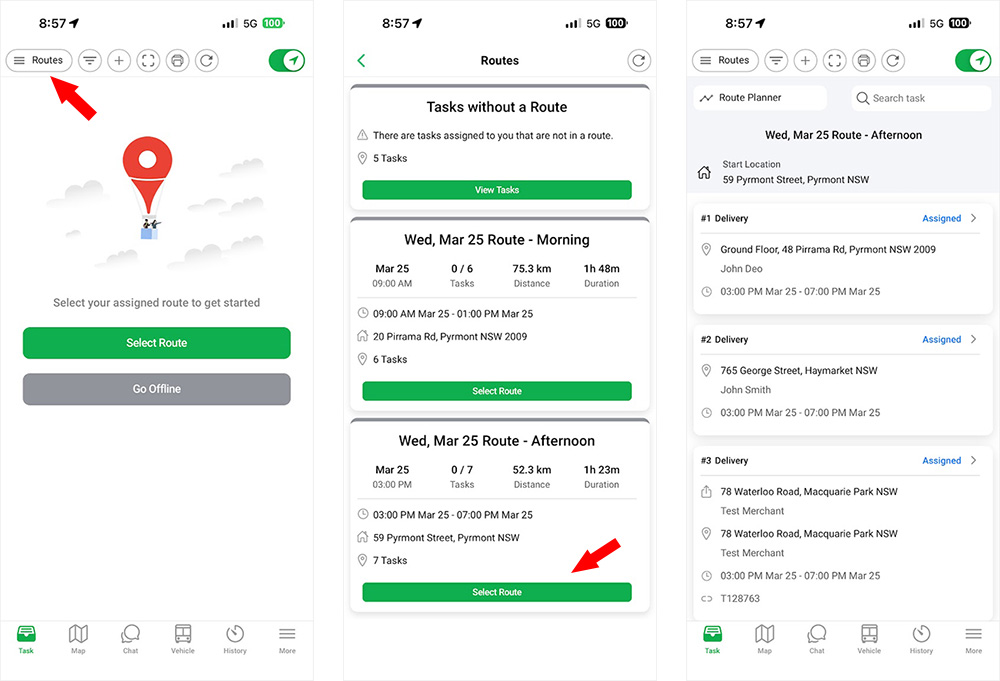
Tasks are primarily assigned through routes rather than individually. Drivers can manage their workload more effectively by selecting assigned routes from the driver app. They also have access to tasks that are not part of any route through the Tasks without a Route option.
How to Enable It?
You can enable the Multi‑Route Planner module from the Extensions page in your admin dashboard. Enabling this module significantly changes how your workflow operates and how drivers see their assigned tasks in the app. Please review the user guide carefully to ensure this mode is suitable for your business.